-
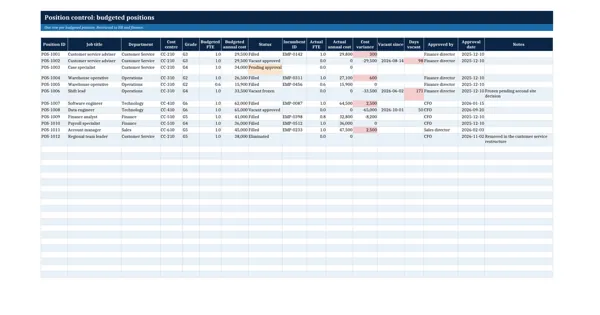 Excel workbook preview
Workforce Planning, Succession and Restructuring
Headcount Budget and Position Control Tracker
3 downloads per free account, no card needed.
Who this is for
A finance business partner or HR operations lead downloads this when the CFO asks why actual headcount cost is above budget and which vacancies are really approved.
What is inside
- 12 sample positions across 5 departments with position ids, grades and cost centres
- Live variance of actual against budgeted annual cost, red when a position runs over budget
- Days vacant counted from the vacancy date, amber after 60 days and red after 90
- Status dropdown: filled, vacant approved, vacant frozen, pending approval, eliminated
- Summary sheet with budgeted and actual FTE, cost and open vacancies per department (SUMIFS)
- Approval columns so every new or changed position shows who approved it and when
How to use it: Load one row per budgeted position from the approved budget, then update status, incumbent and actual cost every month after payroll closes; no hire is made against a position that is not on this list.
Files & formats
- XLSXheadcount-budget-position-control-tracker.xlsx12 KB
Opens in Microsoft Word or Excel, Google Docs or Sheets and LibreOffice. Delivered instantly from your browser.
Free downloads & full access
Every account gets 3 free downloads. Re-downloading a template you already have does not count. This template on its own is $17.99, and buying it keeps your free downloads for something else. Full access is a one-time $249 for all 300 templates, for life.
Bought with a different email? Open your account and enter your order number.
Licence
Use and adapt the document inside your own organisation or for your own clients. Do not resell or republish the templates themselves.
More in Workforce Planning, Succession and Restructuring
Workforce Planning, Succession and Restructuring
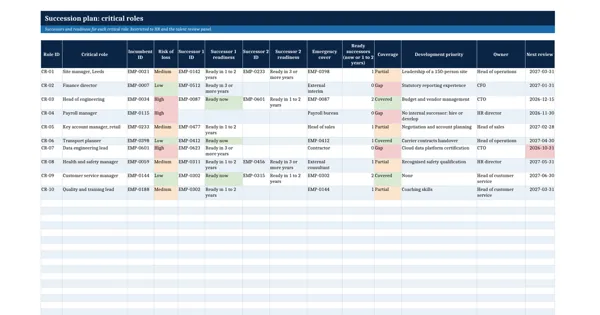
Succession Planning Workbook
Workforce Planning, Succession and Restructuring
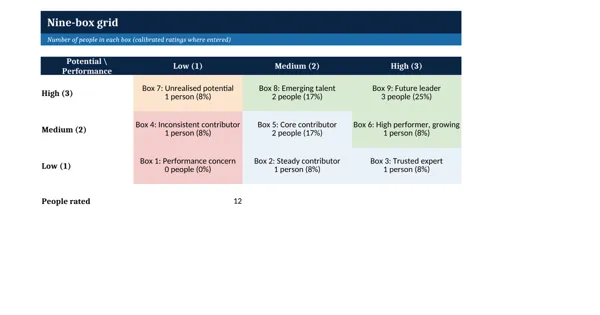
Nine-Box Talent Review Grid Template
Workforce Planning, Succession and Restructuring
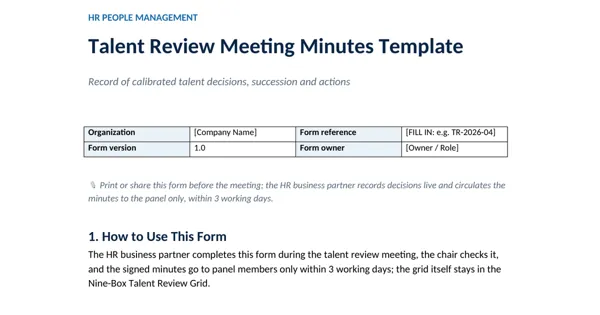
Talent Review Meeting Minutes Template
Workforce Planning, Succession and Restructuring