-
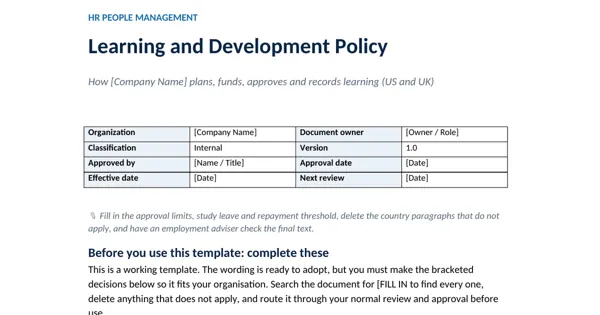
 Excel workbook preview
Learning, Training and Development
Learning Hours and Spend Dashboard
3 downloads per free account, no card needed.
Who this is for
An HR director asked by the CEO or the board for training hours and spend per employee, by department, for the quarterly people report.
What is inside
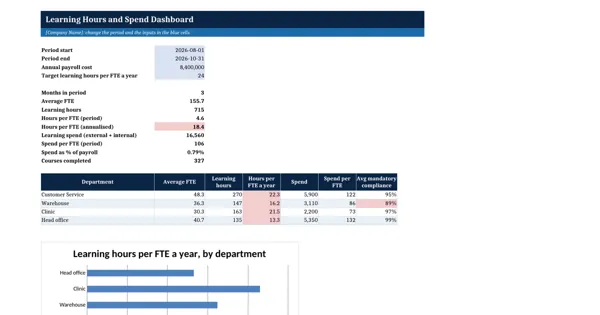
- Data sheet with 12 sample rows (4 departments x 3 months) and 24 blank rows
- 9 headline measures for any period you choose, all live formulas
- Hours per FTE annualised and compared with your target (red below it)
- Spend as % of payroll and spend per FTE
- Department table with average mandatory compliance, red below 95%
- Bar chart of hours per FTE a year by department
How to use it: Add one row per department per month to the Data sheet, then set the period, payroll cost and hours target in the blue cells.
Files & formats
- XLSXlearning-hours-and-spend-dashboard-template.xlsx13 KB
Opens in Microsoft Word or Excel, Google Docs or Sheets and LibreOffice. Delivered instantly from your browser.
Free downloads & full access
Every account gets 3 free downloads. Re-downloading a template you already have does not count. This template on its own is $17.99, and buying it keeps your free downloads for something else. Full access is a one-time $249 for all 300 templates, for life.
Bought with a different email? Open your account and enter your order number.
Licence
Use and adapt the document inside your own organisation or for your own clients. Do not resell or republish the templates themselves.
More in Learning, Training and Development
Learning, Training and Development
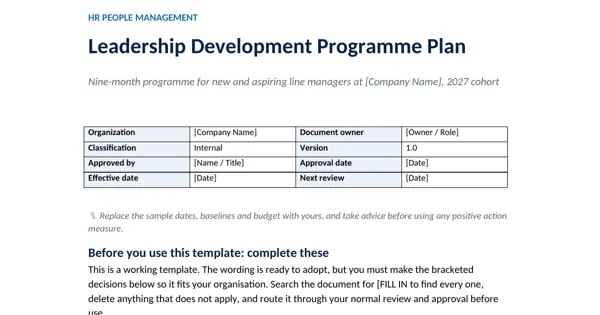
Leadership Development Programme Plan
Learning, Training and Development
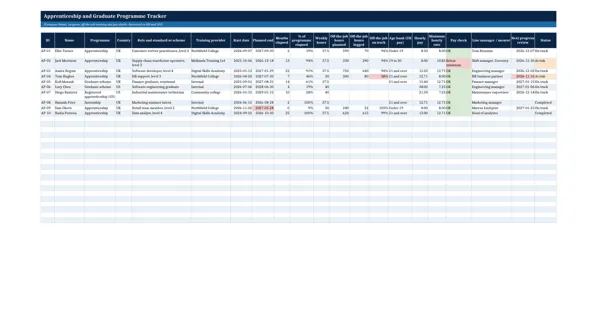
Apprenticeship and Graduate Programme Tracker
Learning, Training and Development
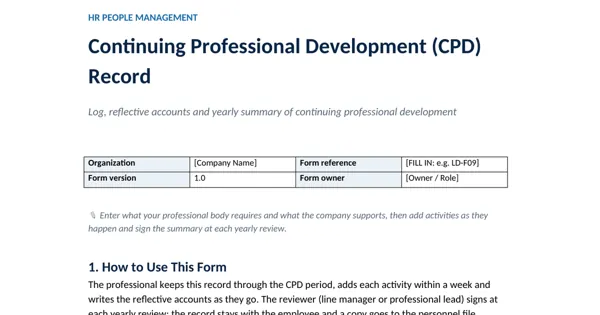
Continuing Professional Development (CPD) Record
Learning, Training and Development