-
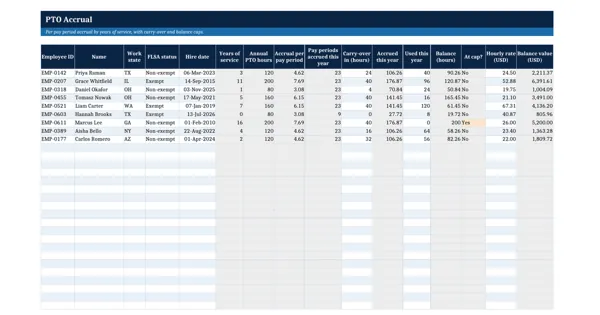 Excel workbook preview
Leave, Absence and Time Tracking
PTO Accrual Calculator (US)
3 downloads per free account, no card needed.
Who this is for
An HR generalist or payroll lead asked by the CFO or an employee to show exactly how a PTO balance was worked out and what the open balances are worth.
What is inside
- 9 sample employees with years of service from hire date and the annual hours band looked up
- Accrual per pay period and periods accrued so far from an as-of date, live formulas
- Carry-over cap and balance cap applied; At cap shows when accrual stops
- Balance value in dollars per employee and in total
- Per Hour Worked sheet: hours earned per hours worked with an annual limit, 6 samples
- Policy Settings sheet with 4 service bands and the caps in yellow input cells
How to use it: Set your plan year, pay periods, caps and service bands on Policy Settings, then enter hire dates, carry-over and hours used; check state law before adopting a cap.
Files & formats
- XLSXpto-accrual-calculator.xlsx15 KB
Opens in Microsoft Word or Excel, Google Docs or Sheets and LibreOffice. Delivered instantly from your browser.
Free downloads & full access
Every account gets 3 free downloads. Re-downloading a template you already have does not count. This template on its own is $17.99, and buying it keeps your free downloads for something else. Full access is a one-time $249 for all 300 templates, for life.
Bought with a different email? Open your account and enter your order number.
Licence
Use and adapt the document inside your own organisation or for your own clients. Do not resell or republish the templates themselves. These templates are original working documents built on the public law or guidance named here. They are not legal advice and are not endorsed by the government body or publisher.
More in Leave, Absence and Time Tracking
Leave, Absence and Time Tracking
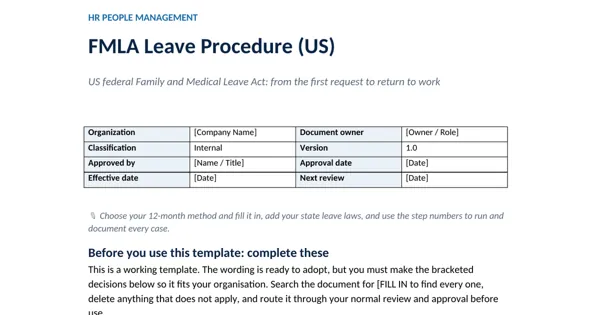
FMLA Leave Procedure (US)
Leave, Absence and Time Tracking
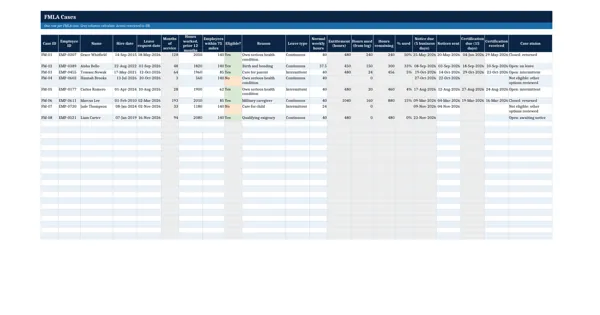
FMLA Eligibility and Leave Usage Tracker
Leave, Absence and Time Tracking
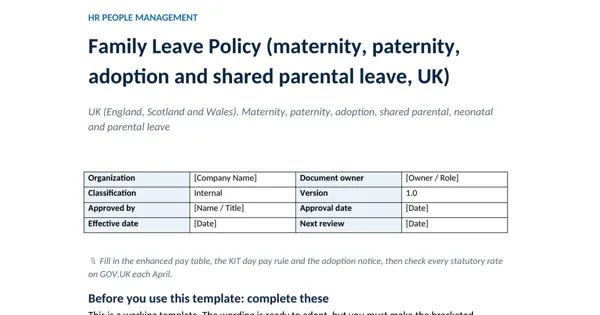
Family Leave Policy (maternity, paternity, adoption and shared parental leave, UK)
Leave, Absence and Time Tracking